import os
from typing import Dict
import wandb
from transformers import (
    AutoModelForCausalLM,
    AutoTokenizer,
    BitsAndBytesConfig,
    TrainingArguments,
)
from peft import LoraConfig, get_peft_model
from datasets import load_dataset
from trl import SFTTrainer, setup_chat_format
import torch
import bitsandbytes as bnb
from huggingface_hub import login

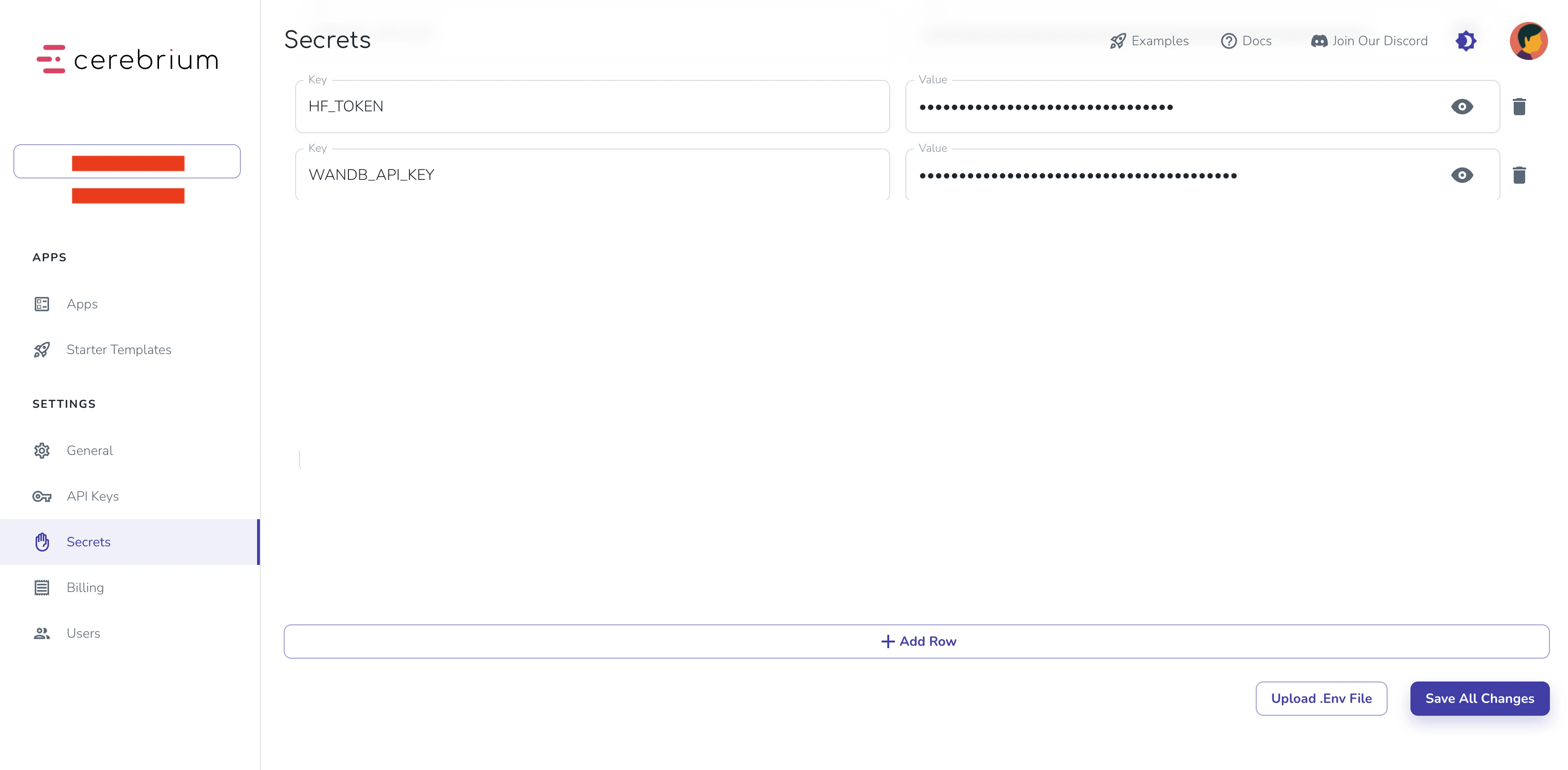
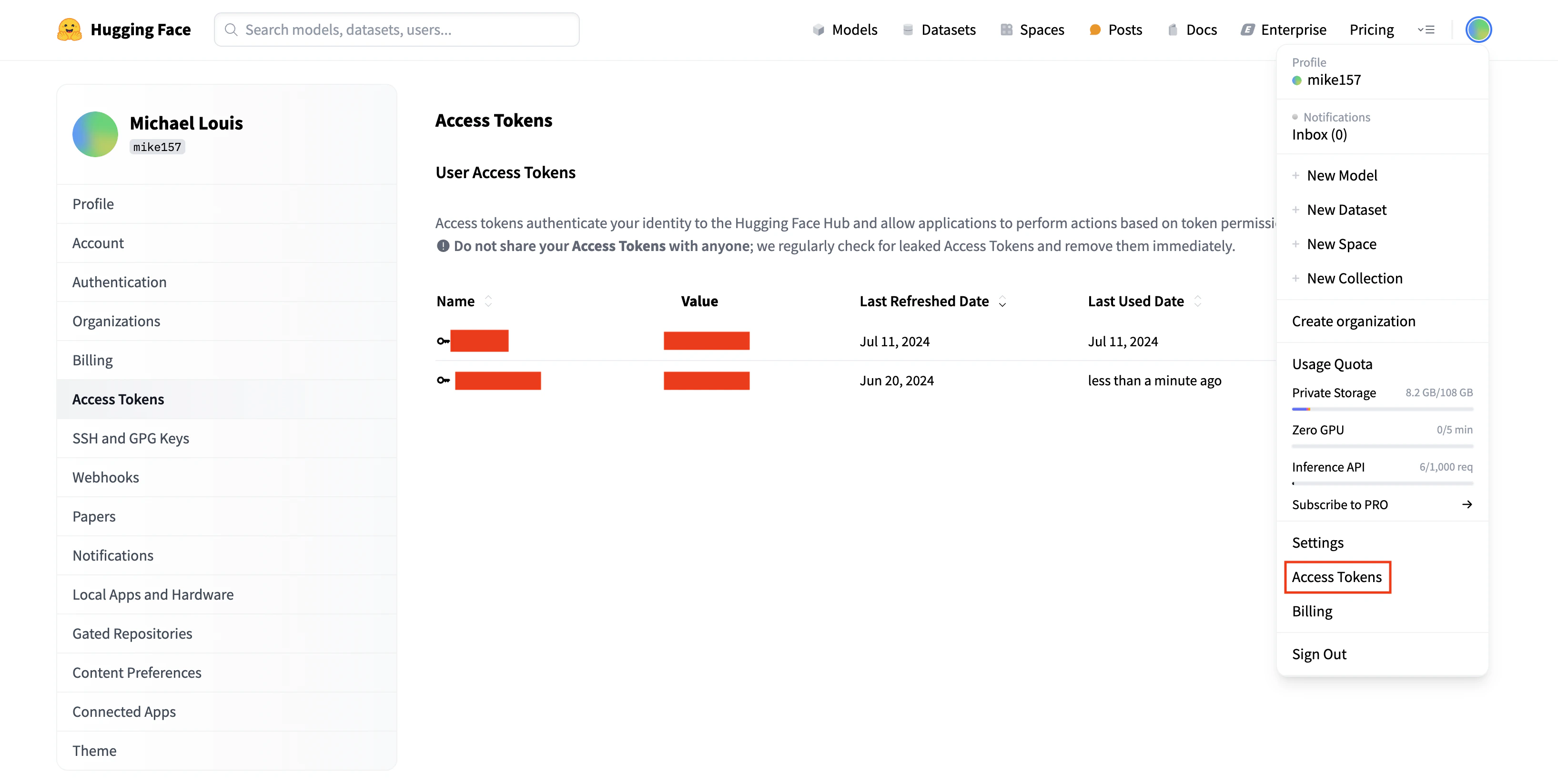
login(token=os.getenv("HF_TOKEN"))

def find_all_linear_names(model):
    cls = bnb.nn.Linear4bit
    lora_module_names = set()
    for name, module in model.named_modules():
        if isinstance(module, cls):
            names = name.split('.')
            lora_module_names.add(names[0] if len(names) == 1 else names[-1])
    if 'lm_head' in lora_module_names:
        lora_module_names.remove('lm_head')
    return list(lora_module_names)

def train_model(params: Dict):
    """
    Training function that receives parameters from the Cerebrium endpoint
    """
    # Initialize wandb
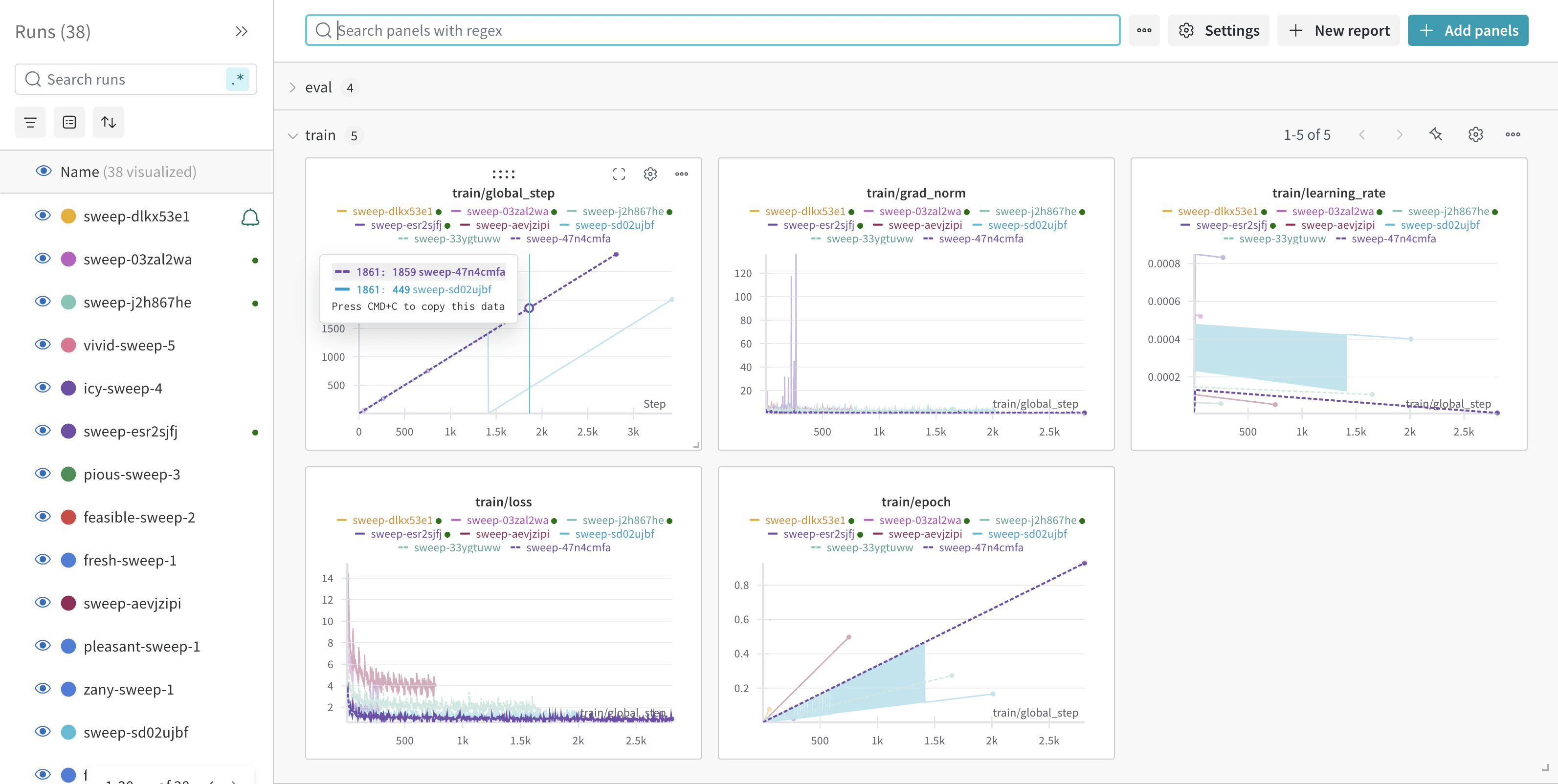
    wandb.login(key=os.getenv("WANDB_API_KEY"))
    wandb.init(
        project=params.get("wandb_project", "Llama-3.2-Customer-Support"),
        name=params.get("run_name", None),
        config=params,
    )

    # Model configuration
    base_model = params.get("base_model", "meta-llama/Llama-3.2-3B-Instruct")
    new_model = params.get("output_model_name", f"/persistent-storage/llama-3.2-3b-it-Customer-Support-{wandb.run.id}")

    # Set torch dtype and attention implementation
    torch_dtype = torch.bfloat16 if torch.cuda.get_device_capability()[0] >= 8 else torch.float16
    attn_implementation = "eager"

    # QLoRA config
    bnb_config = BitsAndBytesConfig(
        load_in_4bit=True,
        bnb_4bit_quant_type="nf4",
        bnb_4bit_compute_dtype=torch_dtype,
        bnb_4bit_use_double_quant=True,
    )

    # Load model and tokenizer
    model = AutoModelForCausalLM.from_pretrained(
        base_model,
        quantization_config=bnb_config,
        device_map="auto",
        attn_implementation=attn_implementation
    )
    tokenizer = AutoTokenizer.from_pretrained(base_model, trust_remote_code=True)

    # Find linear modules
    modules = find_all_linear_names(model)

    # LoRA config
    peft_config = LoraConfig(
        r=params.get("lora_r", 16),
        lora_alpha=params.get("lora_alpha", 32),
        lora_dropout=params.get("lora_dropout", 0.05),
        bias="none",
        task_type="CAUSAL_LM",
        target_modules=modules
    )

    # Setup model
    tokenizer.chat_template = None  # Clear existing chat template
    model, tokenizer = setup_chat_format(model, tokenizer)
    model = get_peft_model(model, peft_config)

    # Load and prepare dataset
    dataset = load_dataset(
        params.get("dataset_name", "bitext/Bitext-customer-support-llm-chatbot-training-dataset"),
        split="train"
    )
    dataset = dataset.shuffle(seed=params.get("seed", 65))
    if params.get("max_samples"):
        dataset = dataset.select(range(params.get("max_samples")))

    instruction = params.get("instruction",
        """You are a top-rated customer service agent named John.
        Be polite to customers and answer all their questions."""
    )

    def format_chat_template(row):
        row_json = [
            {"role": "system", "content": instruction},
            {"role": "user", "content": row["instruction"]},
            {"role": "assistant", "content": row["response"]}
        ]
        row["text"] = tokenizer.apply_chat_template(row_json, tokenize=False)
        return row

    dataset = dataset.map(format_chat_template, num_proc=4)
    dataset = dataset.train_test_split(test_size=params.get("test_size", 0.1))

    # Training arguments
    training_arguments = TrainingArguments(
        output_dir=new_model,
        per_device_train_batch_size=params.get("batch_size", 1),
        per_device_eval_batch_size=params.get("batch_size", 1),
        gradient_accumulation_steps=params.get("gradient_accumulation_steps", 2),
        optim="paged_adamw_32bit",
        num_train_epochs=params.get("epochs", 1),
        eval_strategy="steps",
        eval_steps=params.get("eval_steps", 0.2),
        logging_steps=params.get("logging_steps", 1),
        warmup_steps=params.get("warmup_steps", 10),
        learning_rate=params.get("learning_rate", 2e-4),
        fp16=params.get("fp16", False),
        bf16=params.get("bf16", False),
        group_by_length=params.get("group_by_length", True),
        report_to="wandb"
    )

    # Initialize trainer
    trainer = SFTTrainer(
        model=model,
        train_dataset=dataset["train"],
        eval_dataset=dataset["test"],
        peft_config=peft_config,
        args=training_arguments,
    )

    # Train and save
    model.config.use_cache = False
    trainer.train()
    model.config.use_cache = True

    # Save model
    trainer.model.save_pretrained(new_model)

    wandb.finish()
    return {"status": "success", "model_path": new_model}